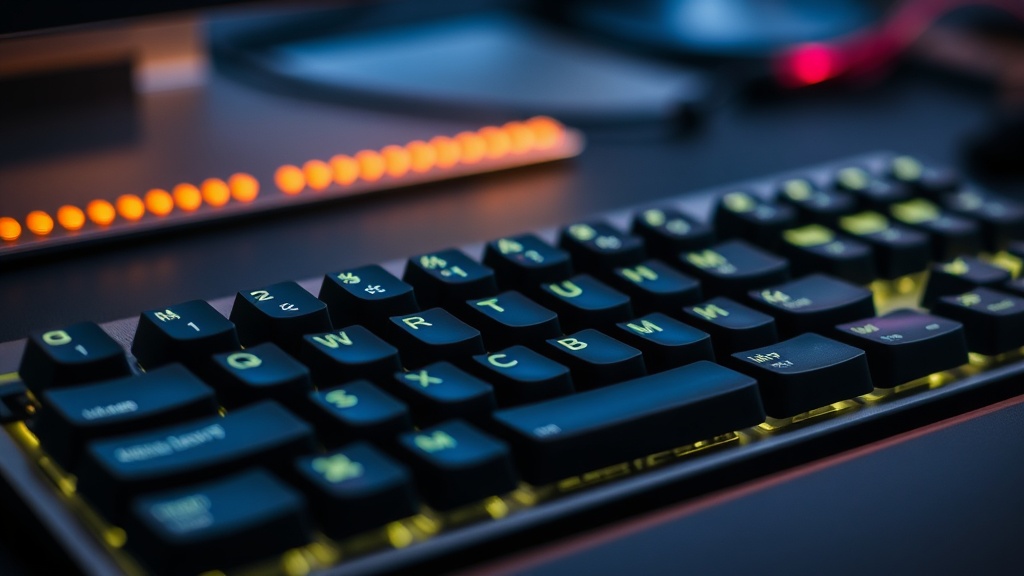
Keep Your Mechanical Keyboard Clean for Better Response

Quick Tip
Use compressed air and a soft brush weekly to prevent debris from interfering with your keystrokes.
Maintaining Your Mechanical Keyboard for Peak Performance
This post explains why regular cleaning prevents key chatter and maintains the tactile response of your mechanical keyboard. Dust, skin oils, and crumbs aren't just gross—they actually interfere with the physical connection of your switches.
I've seen too many players blame their hardware for a missed input, only to realize a stray hair was lodged in a Cherry MX Red switch. It's a small thing, but it matters.
How Often Should You Clean a Mechanical Keyboard?
You should perform a deep clean of your keyboard every three to six months depending on your environment. If you're a heavy snack eater or have a particularly dusty room, you might need to do it more often.
A quick surface wipe-down once a week is usually enough to keep things manageable. Here is a simple routine to keep your setup in top shape:
- The Weekly Surface Wipe: Use a microfiber cloth and a tiny bit of isopropyl alcohol to clean the keycaps.
- The Monthly Dusting: Use a can of compressed air to blow out debris from between the switches.
- The Quarterly Deep Clean: Remove the keycaps using a dedicated tool and soak them in warm, soapy water.
Don't forget the spacebar. It's a magnet for hair and crumbs (and we all know how annoying a stuck spacebar can be during a high-stakes match).
What Tools Do I Need to Clean My Keyboard?
You only need a few basic items to get the job done properly without damaging your expensive gear.
| Tool | Purpose | Frequency |
|---|---|---|
| Keycap Puller | Safely removing keycaps without scratching | Quarterly |
| Compressed Air | Blasting out dust from switch housings | Monthly |
| Microfiber Cloth | Removing oils and grime from surfaces | Weekly |
| Isopropyl Alcohol | Sanitizing keycaps and surfaces | As needed |
If you're using high-end switches like those from Cherry MX, you want to be extra careful with liquids. Never spray alcohol directly onto the board; always apply it to the cloth first. You want to avoid any liquid seeping into the PCB.
If you're looking to improve your overall setup, you might also want to check out why you should use a high refresh rate monitor to complement your improved hardware response. A clean keyboard is only half the battle—your visual feedback needs to be just as sharp.
It's easy to neglect the small stuff when you're focused on climbing the ranks. But a little maintenance goes a long way in preventing that sudden, frustrating input failure right when you need it most.